IMPORTANT ANNOUNCEMENT - Local Roots. Expanded Possibilities.
You are leaving Sierra Central Credit Union
Links to non-Sierra Central websites are provided solely as pointers to information that may be useful to SierraCentral.com users. Sierra Central has no control over the content on such websites.
Sierra Central makes no warranties, either express or implied, concerning the content of such linked sites, including the accuracy, completeness, reliability or suitability thereof for any particular purpose, nor does Sierra Central warrant that such site or content is free from any claims of copyright, trademark or other infringement of the rights of third parties or that such site or content is devoid of viruses or other contamination.
Sierra Central does not guarantee the authenticity of documents on the Internet. Links to non-Sierra Central sites do not imply any endorsement of or responsibility for the opinions, ideas, products, information or services offered at such sites, or any representation regarding the content at such sites. The privacy policies of Sierra Central Credit Union do not apply to linked Websites. Please consult the privacy disclosures on such sites for further information.
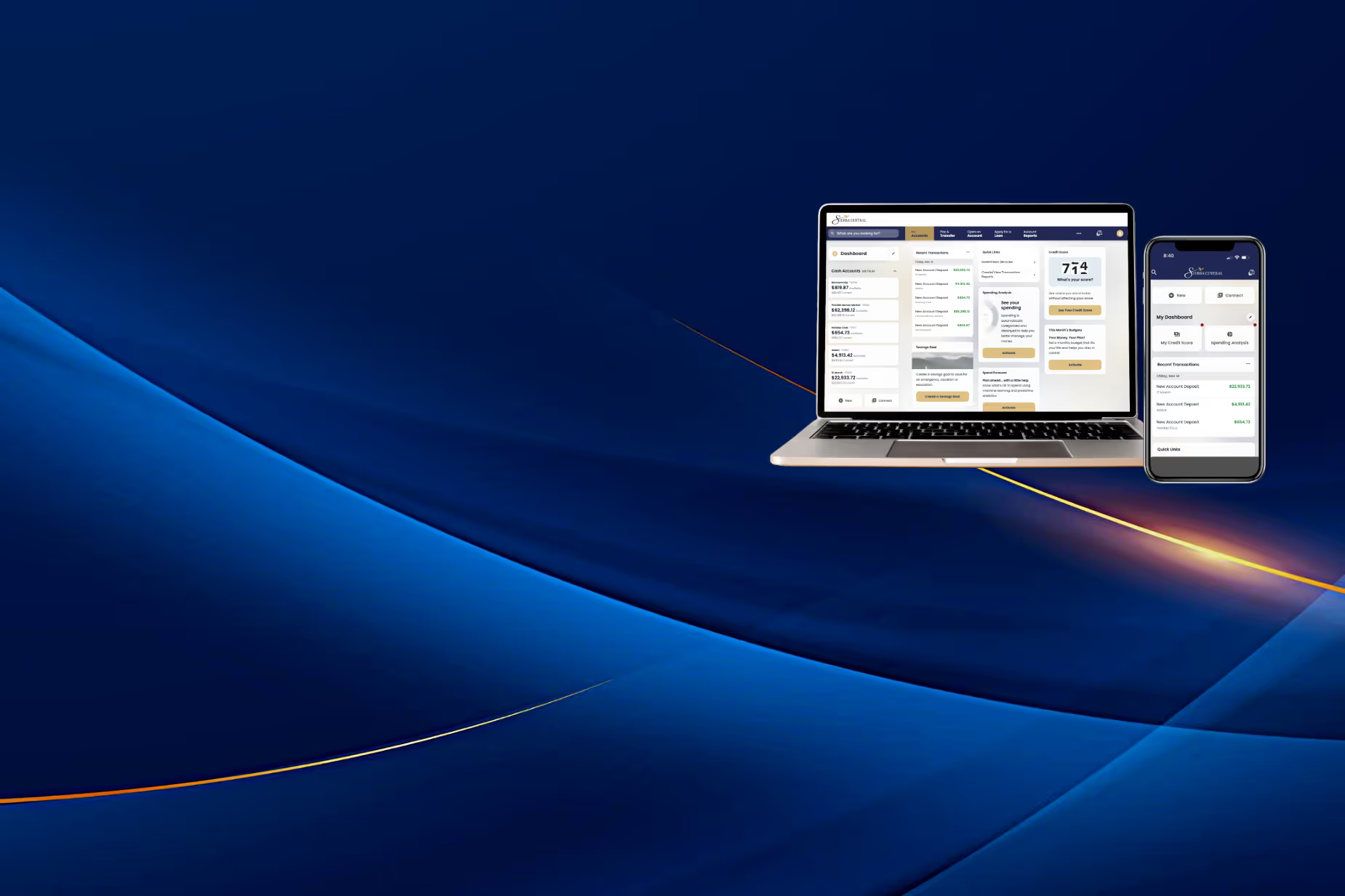
Online Banking & Mobile App
Smarter tools. Smarter experience. Welcome to better banking.
We’ve created a smarter, faster, and more intuitive digital banking experience—built to make managing your money simpler than ever. Here, you’ll find everything you need to get comfortable with the new platform, from step‑by‑step how‑to videos to real‑time system updates and helpful guides for every feature. Explore, learn, and bank with confidence as you discover what’s new.We’ve built a smarter, faster, and more intuitive digital banking platform designed to make managing your money easier than ever. Here you’ll find everything you need to get comfortable with the new system—from step‑by‑step how‑to videos to real‑time system status updates and helpful resources that guide you through every feature. Explore, learn, and bank with confidence as you discover what’s new.
Need help? Drop by your local branch or call 800‑222‑7228 and speak with our Customer Service Department
Start Here: Your New Online Banking Access
.avif)


Personal Banking
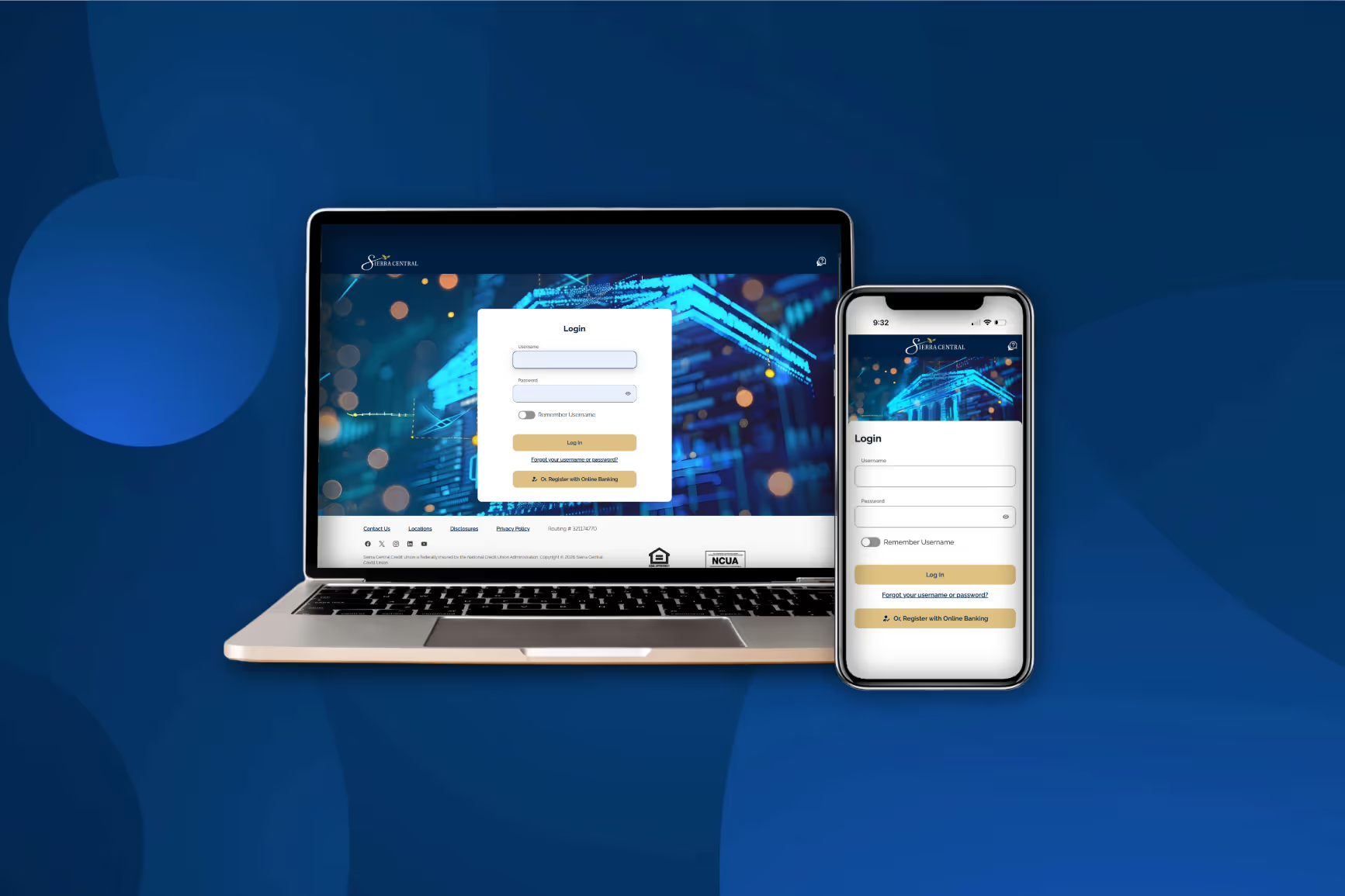
First Time Sign On (Personal)
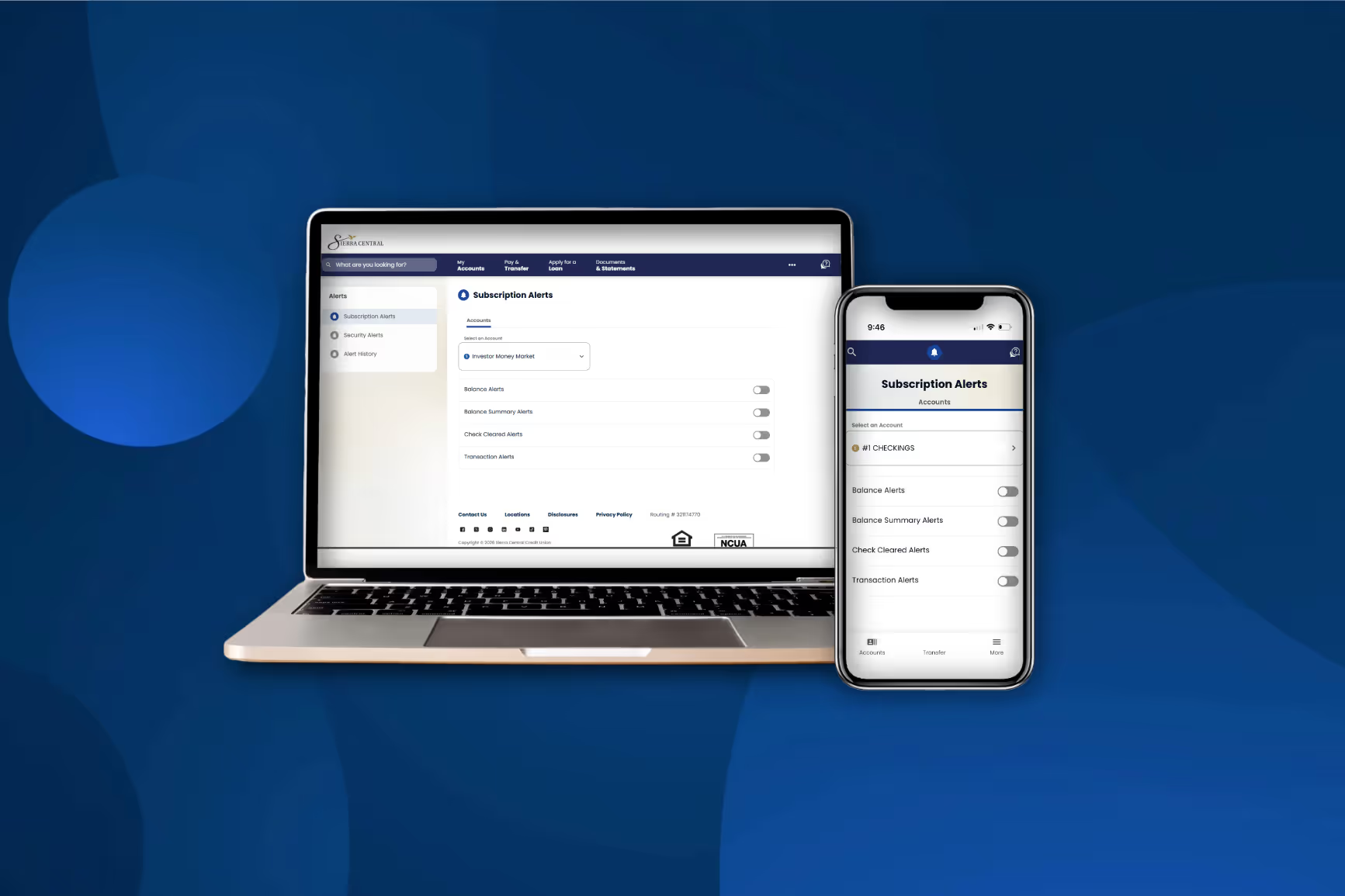
How to Set Up Alerts
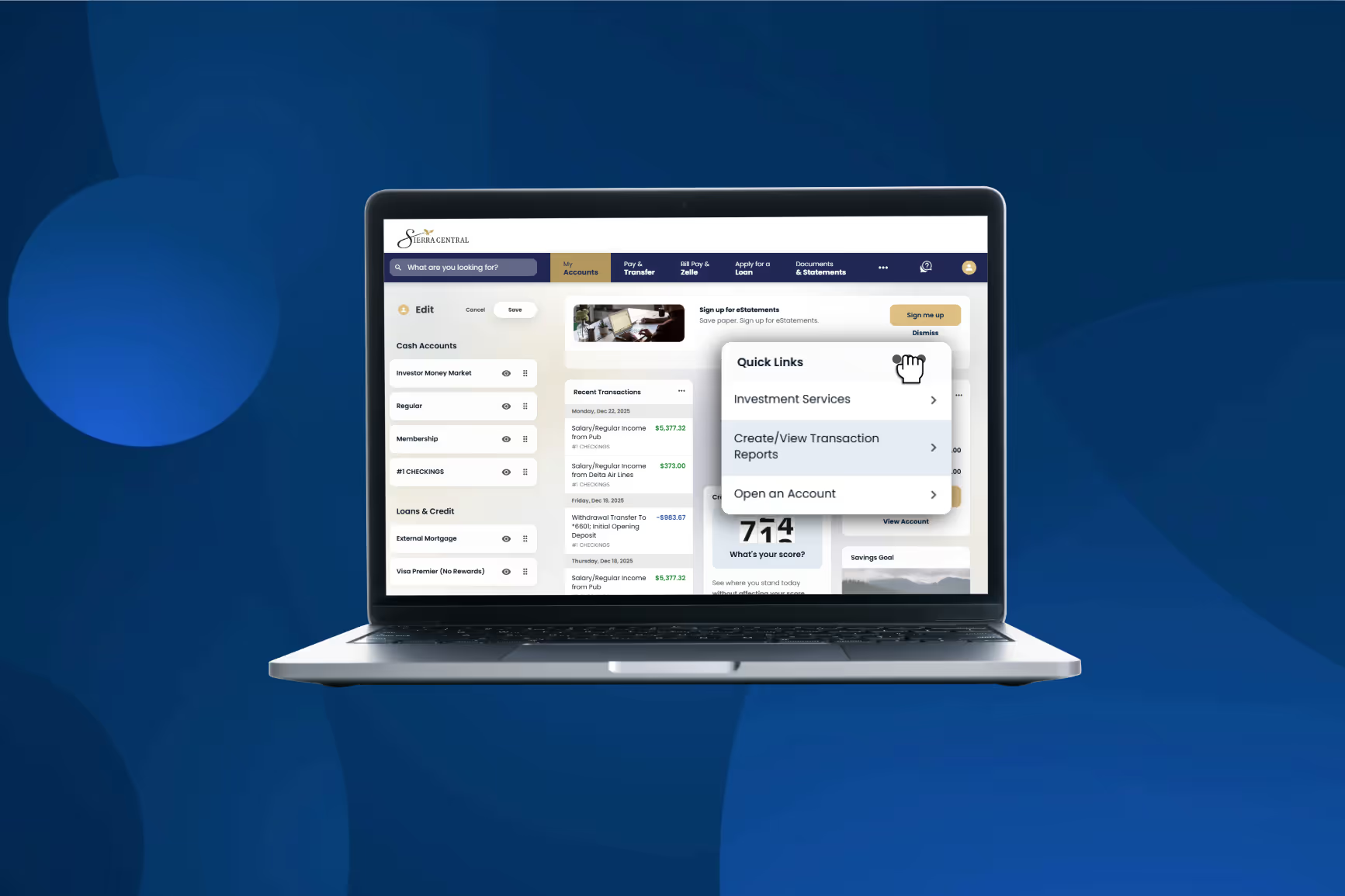
How to Customize Dashboard
.avif)
How to Add & Switch Profiles Dashboard
Business Banking
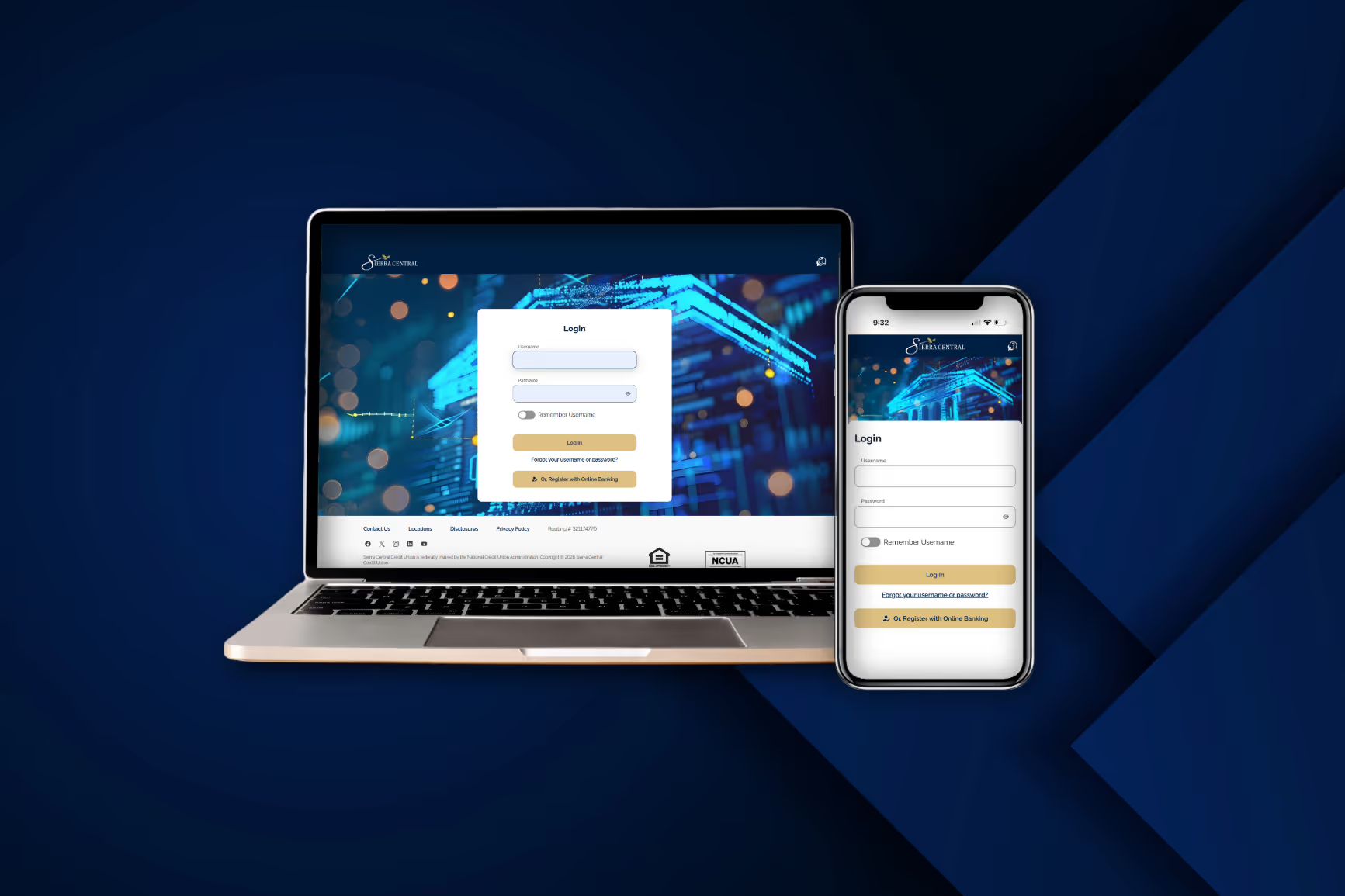
First Time Sign On (Business)
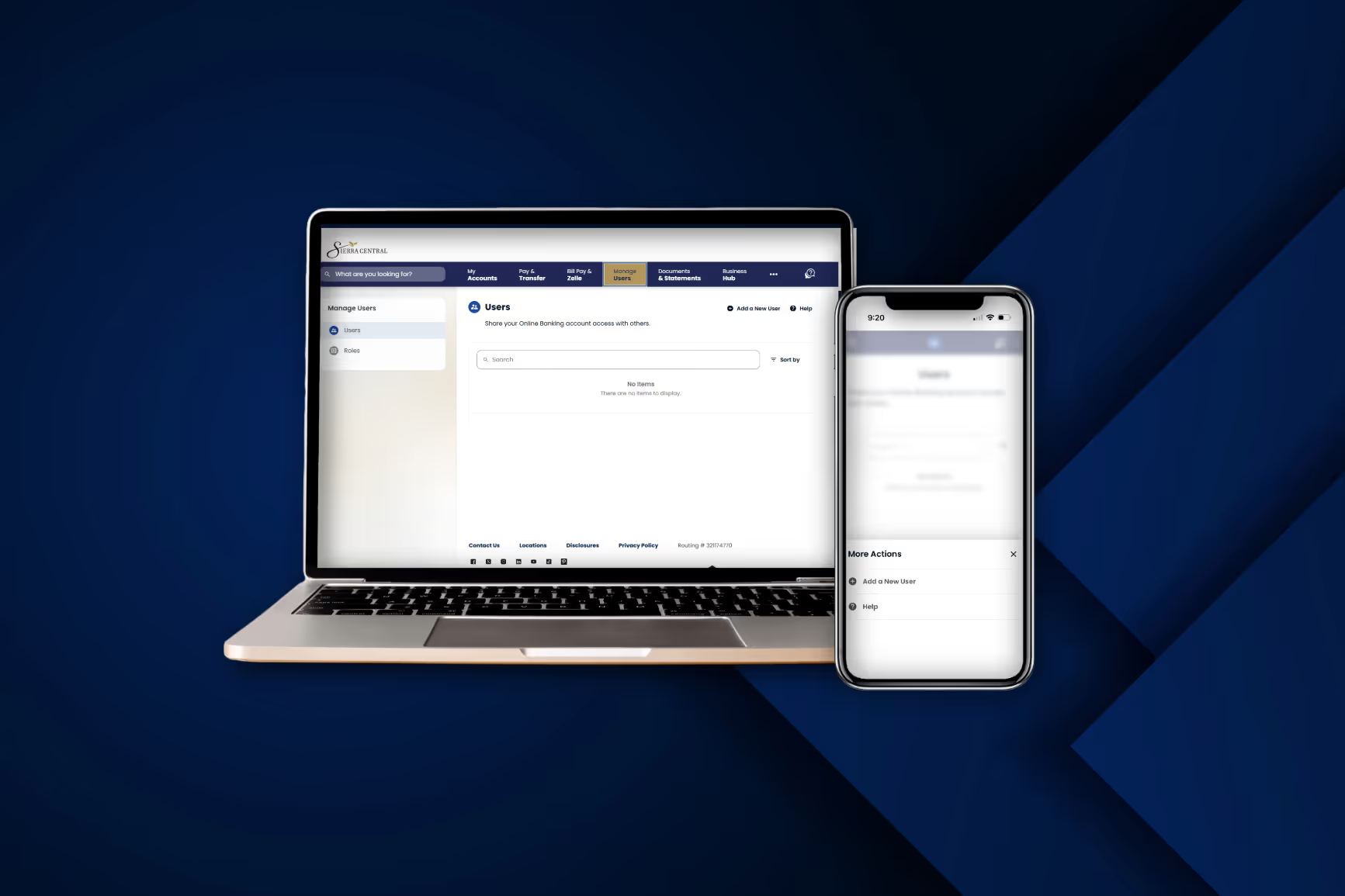
How to Add & Manage Roles
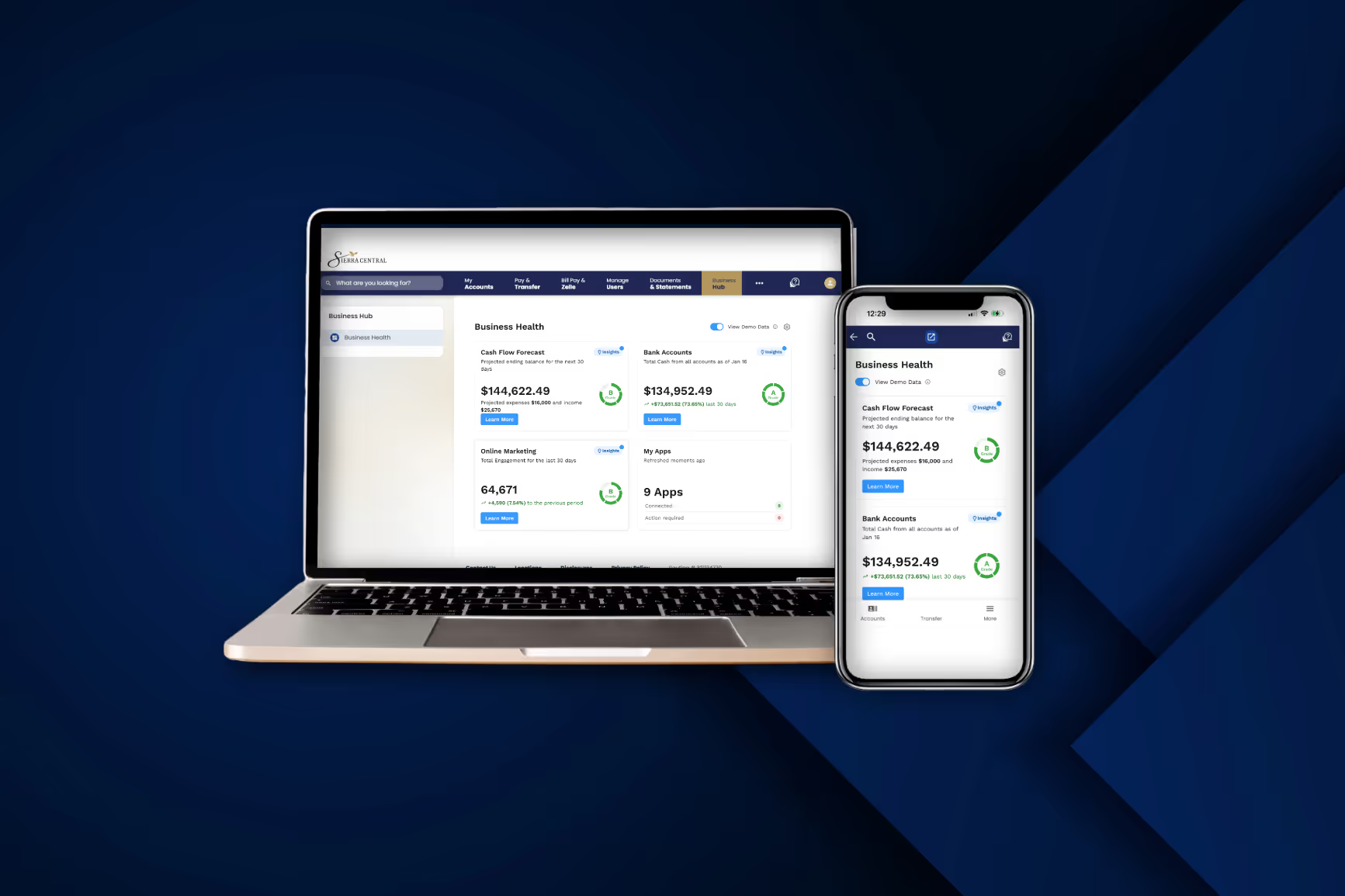
Business Hub
Manage Other Profiles
Instantly switch between personal, business, or additional profiles without logging out
Review, Download, and Export Statements, Tax Forms, and Notices
Easily review, download, and export statements, tax forms, and account notices - all your important documents, accessible anytime
Overdraft Protection
Choose which accounts back each other up to avoid overdrafts
Connect Other Bank Accounts
Link accounts from other financial institutions for easy transfers and a consolidated view of all your finances
Pay by Text
Get text reminders for loan payments and pay instantly by replying
Credit Score Tracker and Simulator
Monitor your credit score daily, interact with the Credit Simulator, and receive personalized financial insights
Loan Payoff Calculator
See payoff amounts instantly or model how extra payments affect your loan
Apple Watch Widget
View account balances and alerts from your watch
Improved Online Banking Platform
A cleaner, more intuitive interface designed for faster, easier navigation
Improved Mobile App.
A modern, streamlined design built for effortless navigation and on-the-go convenience
Added Fraud Protection
Enhanced security measures designed to safeguard your accounts and keep your information protected
Customizable Dashboard
Organize and view multiple accounts and products your way, all in one convenient place
Customizable Alerts
Customizable alerts for low balances, unusual spending, transactions, deposits, and budgets
Transaction View and Export
Improved exports to CSV, PDF, and more for effortless record management
Apply for Loans
Apply for Consumer and Mortgage Loans through Online Banking, with auto-filled data and real-time status updates
Improved Mobile Deposit
Deposit checks faster with improved image capture